Introduction to Containers on High Performance Clusters (HPC)
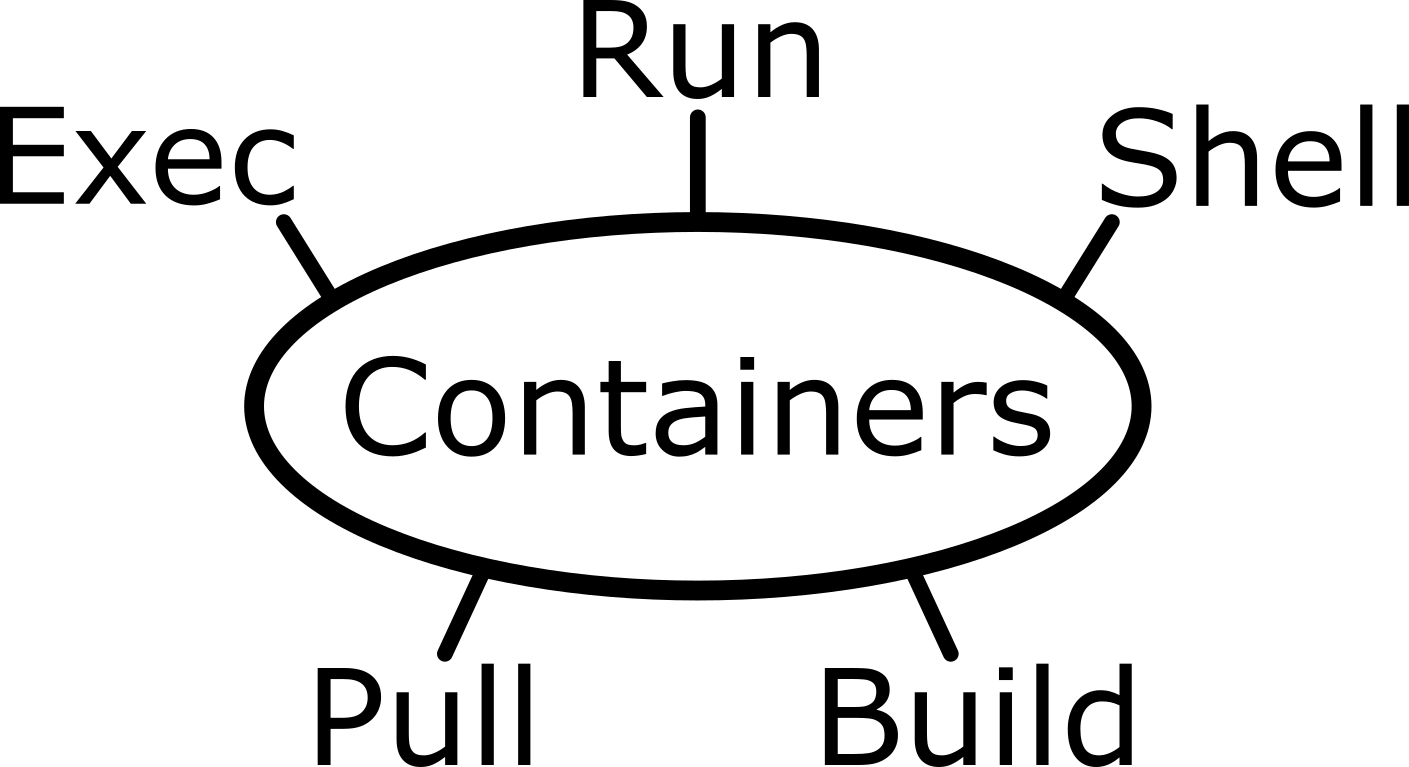

This workshop introduces containers and how to use them on a High Performance Cluster (HPC) such as Mahuika. Containers let you package software, along with all of its dependencies, into a single portable file that runs the same way on your own computer and on an HPC. By the end of the workshop you will be able to find, run, build, secure, inspect, test, and run parallel (MPI) containers using Apptainer.
The material is split into The Basics of Containers (running, building, and securing containers) and Beyond the Basics (inspecting, testing, and running containers with MPI), with optional supplementary material.
Learning Objectives
By the end of this workshop, you will be able to:
- Run software inside a container using the
run,exec, andshellcommands. - Find, pull, and run existing containers from registries such as Docker Hub.
- Write a definition (
def) file and build it into a portablesifcontainer. - Build a container interactively using sandbox mode, then convert it into a
sifcontainer. - Secure a container by encrypting its contents with a passphrase or an RSA key pair.
- Inspect a container, recover its
deffile, and add tests that check it was built correctly. - Run containers in parallel across multiple HPC nodes using MPI (the hybrid and bind models).
| Lesson | Overview |
|---|---|
| Overview of Containers | What a container is, and why you would use one |
| Apptainer: Running Containers on HPCs | What Apptainer is, and how it differs from Docker |
| The Basics of Containers | |
| 1. Introduction to Apptainer | Check Apptainer is available and meet the core commands |
| 2. The Basics of Running Containers on Apptainer | Use run, exec, and shell to work with a container |
| 3. Pulling and Running Containers from the Cloud | Download and run containers from registries such as Docker Hub |
| 4. Building Containers | Write a def file and build it into a sif container |
| 5. Building a Container using Sandbox Mode | Build a container interactively while experimenting |
| 6. Securing Containers with Encryption | Encrypt a container with a passphrase or an RSA key pair |
| Beyond the Basics | |
| 7. Inspecting, "Editing", and Versioning Containers | Inspect a container, recover its def file, and re-version it |
| 8. Making Tests in Containers | Add a %test section and run apptainer test |
| 9. Running Containers with MPI | Run containers in parallel with the hybrid and bind models |
| Supplementary | |
| S1: Other Options for Building Containers | The full set of def file sections, build arguments, and multi-stage builds |
| S2: Other Commands in Apptainer | Managing the cache and providing help text |
| S3: Running Containers as Instances | Run a container in the background as a long-running service |
Getting Started
This workshop assumes no prior experience with containers. You should, however, be comfortable working in a Unix shell (cd, ls, editing files) and have access to an HPC such as Mahuika to run the examples. Participants should bring their laptops and plan to take part actively.
Attribution Notice
- This workshop material draws on the official Apptainer documentation and, for the MPI chapter, the CIQ blog post on MPI in Apptainer.